Upgrade your payment terminal: seven signs it's time
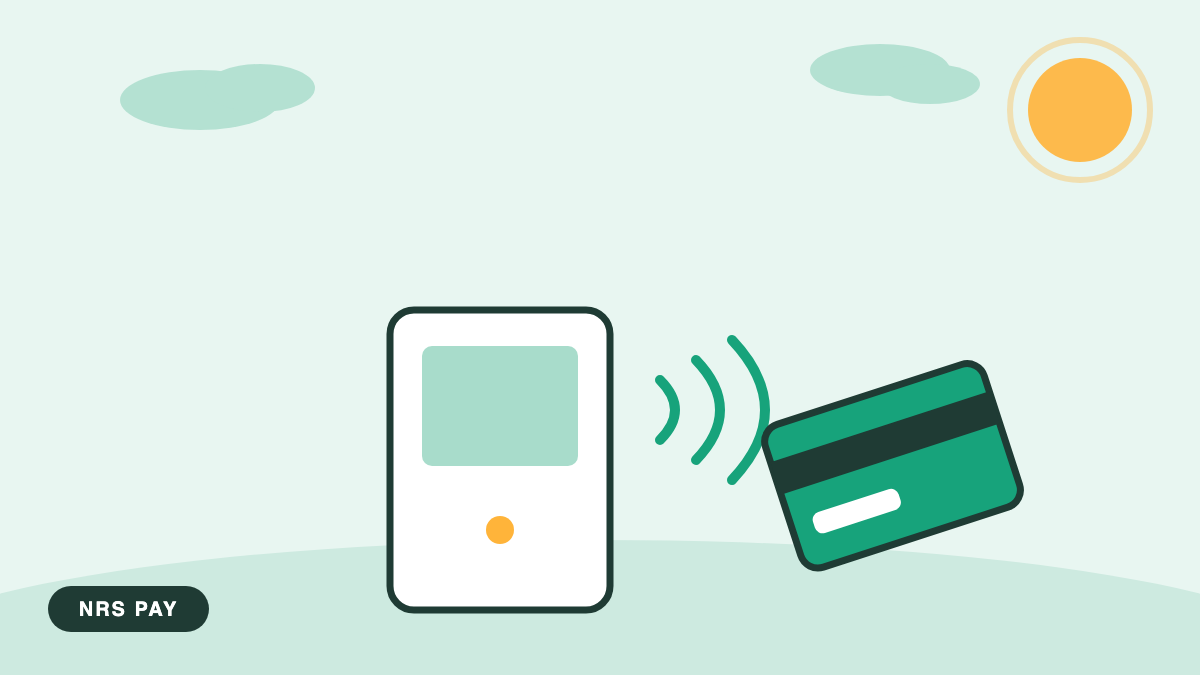
How old is the terminal on your counter? If you have to count back through a renovation to answer, keep reading. It's time to upgrade a payment terminal when it slows the line, misses payment types your customers expect, or fails in ways that cost sales. Here are the seven signs, in the order stores usually notice them.
The seven signs
- Chip reads crawl. A current reader finishes a chip sale in a few seconds, while an aging one leaves the customer staring at the slot. Multiply that wait by every card in a Saturday line and the cost stops being small.
- No tap-to-pay. NFC, the short-range wireless behind contactless cards and phone wallets, is now the default gesture at the counter. A customer hovers a phone, nothing happens, and the whole line watches the fumble. Terminals without tap age faster every year.
- Random freezes and reboots. A terminal that needs a midday restart is a register that's closed while it thinks. Occasional is forgivable. Weekly is a sign.
- The hardware is physically worn. Frayed cables, dead keypad keys, a printer that jams on every third receipt. Cables and paper are cheap to replace on their own, and the NRS Marketplace stocks spares, but a keypad failing during PIN entry is the machine telling you something.
- It can't take EBT or eWIC. If your customers carry EBT, the card system for government food assistance benefits, or eWIC, the card version of WIC nutrition benefits, a terminal that can't accept them sends those baskets to another store.
- It doesn't talk to your register. If every sale is rung once on the point of sale (POS), the system that rings items and tracks inventory, and then typed again on the terminal, you're one busy Friday away from an expensive typo.
- Security standards moved on without it. Card security rules under PCI DSS, the Payment Card Industry Data Security Standard, are updated over time, and older terminals eventually stop receiving software updates. A terminal that can't stay current is a liability, not a tool.
What does an upgrade actually involve?
Less than most owners fear. You confirm the plan with your provider, the new hardware ships, and setup is a matter of connecting it and running test transactions: a sale, a void, a refund, and a batch that lands in your bank. Replacing a terminal need not mean buying one: NRS Pay provides the reader with signup, and the current options are on the equipment page. Most stores complete the whole swap in days, not weeks.
If the new terminal pairs with your register, budget a little extra time for that connection, and confirm your price book and reports carry over the way you expect. The hardware swap is quick. The checking is what makes it boring, and boring is exactly the goal.
Will switching disrupt sales?
Not if you overlap. Keep the old terminal live until the new one has processed a real sale and a full batch has reached your bank. Do the physical swap on your slowest morning, have each clerk run one practice transaction, and tape the support number to the register. NRS Pay staffs live support seven days a week, which matters most during exactly this kind of change. Tell your regulars as well. A small sign that says the store now takes tap costs nothing and finishes the job.
Frequently asked questions
Can I repair an old terminal instead of replacing it?
Sometimes. Cables, paper, and power supplies are cheap fixes worth trying first. But when the problem is a missing capability, no tap support, no EBT, no current security updates, a repair can't add what the hardware never had. Fix wear. Replace obsolescence.
How long should a payment terminal last?
There's no fixed lifespan. It depends on volume, handling, and how long the maker supports the model with updates. Watch the seven signs rather than the calendar. A terminal that's fast, current on security, and taking every payment type your customers carry doesn't need replacing, whatever its age.
Do I have to close the store to switch terminals?
No. With an overlap plan, the old terminal keeps ringing sales until the new one is proven. The swap itself is a few minutes of cable work on a quiet morning. The preparation, the testing and the training, happens around your normal hours rather than instead of them.
What do I do with the old terminal?
Confirm who owns it before anything else, because returning equipment you own or binning equipment you lease both create problems. Do not simply throw it out: a payment device holds configuration, and your provider can tell you whether it needs to be returned or disposed of in a particular way.
Will my staff need retraining?
A short session and a laminated card by the register usually covers it, and it should happen before a busy shift rather than during one. The things that go wrong are small and specific: where the receipt prompt moved to, how a refund is now done, what the new tip screen does. Ten minutes prevents all three.
Is there a right time of year to do it?
A genuinely quiet week, never your peak, and not the first of the month. Keep the old terminal available until the new one has taken real payments and you have watched a deposit land. The cost of a slow switch is trivial next to the cost of a counter that cannot take money on a busy day.
If you counted two or more of these signs on your own counter, talk to the NRS Pay team about what an upgrade would look like.