POS with integrated payments: what to look for
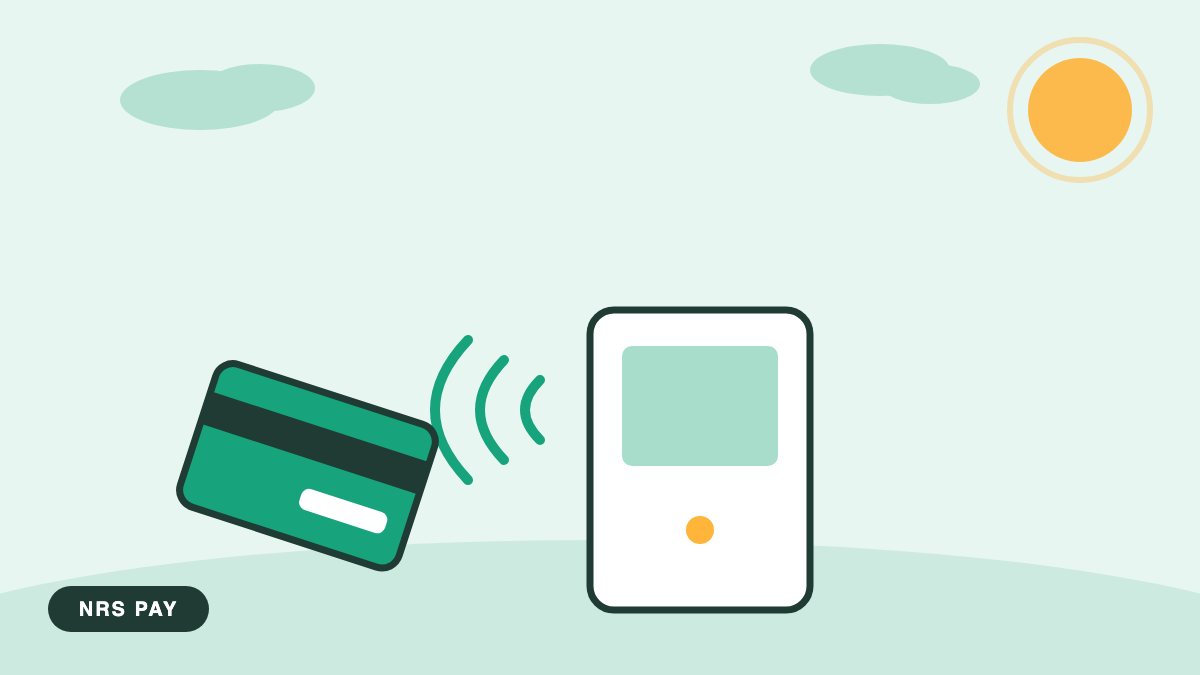
A POS with integrated payments links the register software to the card reader, so the amount you ring is the amount the customer is charged. POS stands for point of sale, the system that rings items, tracks inventory, and reports your day. That one connection removes the most common checkout error in small stores: the retyped total.
What does integrated actually mean?
With a standalone setup, the register and the card terminal are strangers. The clerk rings $14.37 on one machine, then types $14.37 into the other. Most days that goes fine. Then a busy Friday produces a $143.70, the customer doesn't notice until the bank statement does, and you spend Monday on the phone sorting out a refund.
Integrated means the total travels from register to reader on its own. The clerk rings the sale, the reader shows the amount, the customer pays. One flow, one set of numbers, and an end-of-day report where card sales and register sales already agree with each other.
Where integration saves real time
The close is the obvious place. With two separate machines you reconcile two totals every night and chase down every mismatch. With an integrated system, the batch, the group of card transactions submitted together for settlement, lines up with the register's own report, and the close takes minutes.
Refunds get cleaner too, because a return rings against the original sale instead of being keyed from memory. Training gets shorter as well. A new clerk learns one flow instead of two machines with two sets of habits.
There's an inventory angle as well. Because the register rings each item rather than a lump total, your price book stays involved in every sale, and your reports show what actually sold. A standalone terminal can tell you that $412 in cards happened on Tuesday. An integrated system can tell you what that $412 was.
Which features matter for a small store?
- EBT and eWIC support, the card systems for government food and nutrition benefits, if your customers use them
- A price book with SKU-level tracking, a SKU being the stock-keeping unit code that identifies each product
- Support for a cash discount program if you run one, with receipts that present it clearly
- End-of-day reports that match your processing statement without manual math
- Live support on weekends, because registers fail on Saturdays too
If you run or are considering the NRS POS, NRS Pay integrates with it directly, and the compatible reader options are on the equipment page.
How do you switch without losing a sales day?
Plan the swap for your slowest morning. Keep the old terminal connected until the new system has processed a real sale, a real refund, and a full batch that lands in your bank. Print a one-page cheat sheet for the counter, and have every clerk ring a practice sale before their first shift on the new system. Two quiet days of overlap beat one chaotic cutover, every time.
Pick a target date at least two weeks out, and confirm what happens to your existing reporting history before the old system goes dark. Export what you can, and keep the final statements from the old setup in the same folder as the first ones from the new. Future you will want both.
Frequently asked questions
Is integrated payments more expensive than a standalone terminal?
Not necessarily, but the structures differ. Some providers bundle software and processing, others price them separately. Ask for the complete monthly cost in writing: software, processing, and hardware. Then weigh it against the hours you currently spend reconciling two machines and fixing keying mistakes at the register.
Can I keep my current processor if I buy a new POS?
Sometimes. Integration is specific: a given POS works with particular processors, and that pairing is what removes the retyping. Ask both companies whether they support each other before you commit to either one, and get the answer in writing rather than a verbal "that should work."
If the POS goes down, can I still take card payments?
Ask any provider exactly that question. Setups differ in whether the card reader can run standalone while the register is out of action. Knowing the fallback plan, and testing it once on a quiet day, turns an outage from a closed store into a slower afternoon.
What happens if the internet drops?
Ask about the register and the reader separately, because they often behave differently and the answers matter. A system where the register keeps ringing but the reader cannot authorize leaves you in a specific position that your staff should understand before it happens rather than during a Friday rush.
Can I see it work before I commit?
Ask for a demonstration with a real transaction and a real refund on the actual equipment, not a slide deck. Integration either works cleanly or it does not, and five minutes of watching somebody ring a sale, void it, and refund another tells you more than an hour of feature discussion.
Does integration tie me to one processor?
Sometimes it does, and it is worth asking plainly rather than discovering it in three years when you want to move. Some registers work with a range of processors; others are sold as a single package. Neither is wrong, but only one of them leaves the decision open later.
Want to see how an integrated setup would look on your counter? A walkthrough on real hardware settles this faster than a spec sheet, and the NRS Pay team will set one up.